
Learn
Four ways to learn agent ops. Take the ones that fit.
Three short courses, each ending in a certificate you can share, and an advisor you can ask instead of reading. Stop after any of them. Nobody is behind for skipping the advanced one.
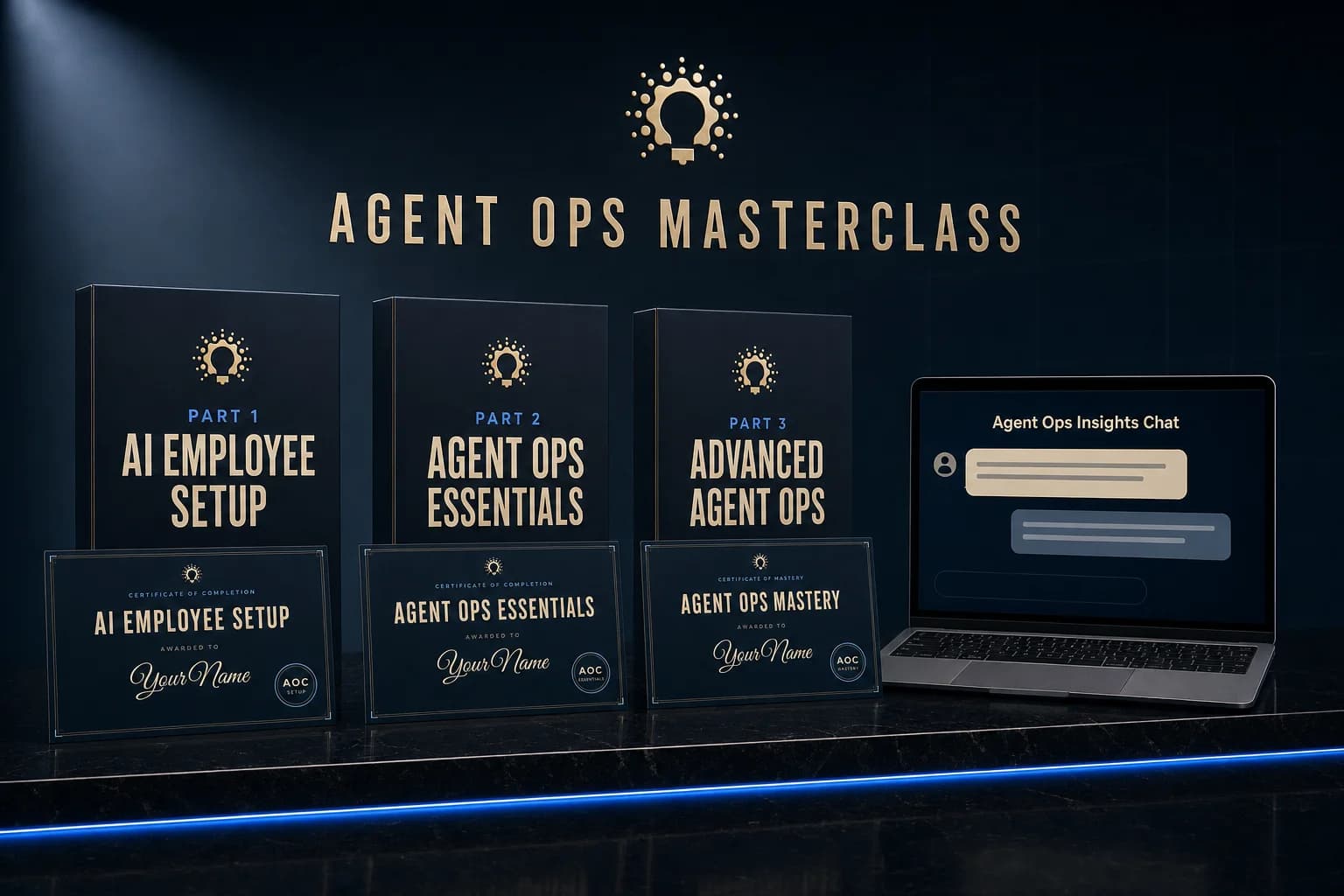
Which path is yours?
Starting out
Start with Part 1. It is free.
Nine short lessons end with your first AI Employee working and your first certificate. No code at any point.
AI Employees at work
Parts 1 and 2, and you are done.
Hire your first AI Employee, then learn to run it day to day. Two certificates, no code at any point. Part 3 is optional and will still be here.
Selling AI services
Move through 1 and 2, settle into Part 3.
The first two parts go quickly if you already run agents. Part 3 is where you write skills, connect tools and sell what you deploy.
The path, start to finish
Each part ends with something working and a certificate with your name on it.
- 01
Part 1 · Intro
Free with an accountAI Employee Setup
Your first AI Employee hired and working. No code.
What changed, which agent app to use, your first real session, and the one page walkthrough that hires your first AI Employee. Everyone starts here.
9 lessons · 32 min
See the 9 lessons
Agent Ops Foundations
- The Shift: Agents That Use the Computer
- Timeless Architecture
- The Boundary: What Stays Human
- Operating Standards: Your Written Rules
Your Agent, Running
- Choose Your Harness
- Your First Working Session
- The Skill Format: What Is in a Skill
- Your First Install
AI Employees
- Hire Your First AI Employee
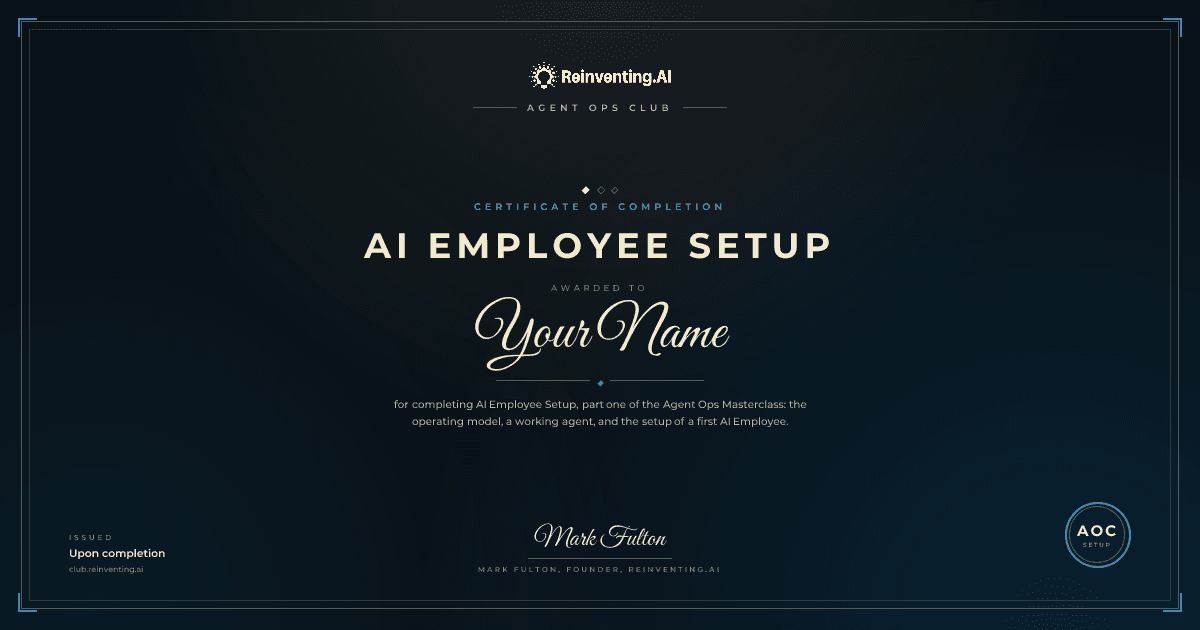
AI Employee Setup certificate. Issued when Part 1 is done. - 02
Part 2 · Beginner
Pro and LifetimeAgent Ops Essentials
You run AI Employees day to day and trust what they ship.
Roles instead of tasks, week one with a new hire, what needs your approval, and the scheduled routines that do the work. For anyone running AI Employees. Still no code.
13 lessons · 45 min
See the 13 lessons
AI Employees
- Roles, Not Tasks
- Onboarding: Week One
- Role Guardrails
- When the Work Feels Stalled
- Composing Roles
Routines: The Workhorses
- What a Routine Is
- Three Safety Checks for Every Routine
- State Lives in Files
- Browser Routines
- What Needs Your Approval
- Rules Learned From Real Mistakes
- Auto Mode: Nobody Is Awake to Click Approve
- Talk to the Routine, Not the Agent
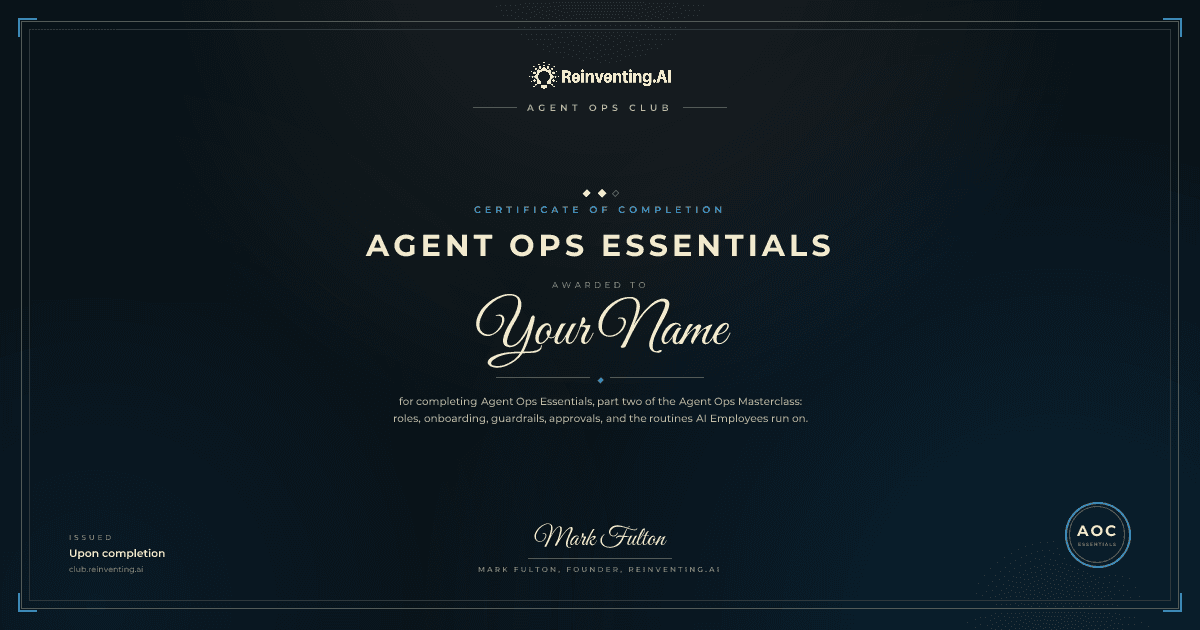
Agent Ops Essentials certificate. Issued when Part 2 is done. - 03
Part 3 · Advanced
Pro and LifetimeLiving courseOptionalAdvanced Agent Ops
You build your own skills, connect any tool, and sell the work.
Skills, MCP connections, browser and computer use, an always on server, and the client motion for selling what you deploy. For builders, and for the curious. Here when you want it.
It keeps growing. New lessons land as the models and the agent apps change, so what you learn here stays current.
26 lessons · 87 min
See the 26 lessons
Skills That Do Real Work
- Anatomy of a Skill
- Standards Files: Write It Once
- The Script Is the Judge
- Custom Skills Around Any API
- Portable Skills
- Second Opinions From Another Agent
Connect Everything: MCPs
- What MCP Actually Is
- The Five Servers I Recommend
- Wiring and Auth
- API vs MCP vs Browser
Browser and Computer Use Mastery
- Reliable Browser Agents
- Credentials and Sessions
- Platforms With No API
- Stage It, You Send It
- Sharing One Computer Between Agents
- Your PC as a Workspace
Always On: Your Agents on a Server
- Why Always-On
- Setting Up Your Server
- The Night Shift Pattern
- Monitoring and Health
Customize, Sell, Scale
- Pick a Buyer, Then Win the First One
- Rebrand and Deploy
- Selling AI Employees
- Selling Implementation Services
- Pricing and Retainers
- Marketing on Autopilot
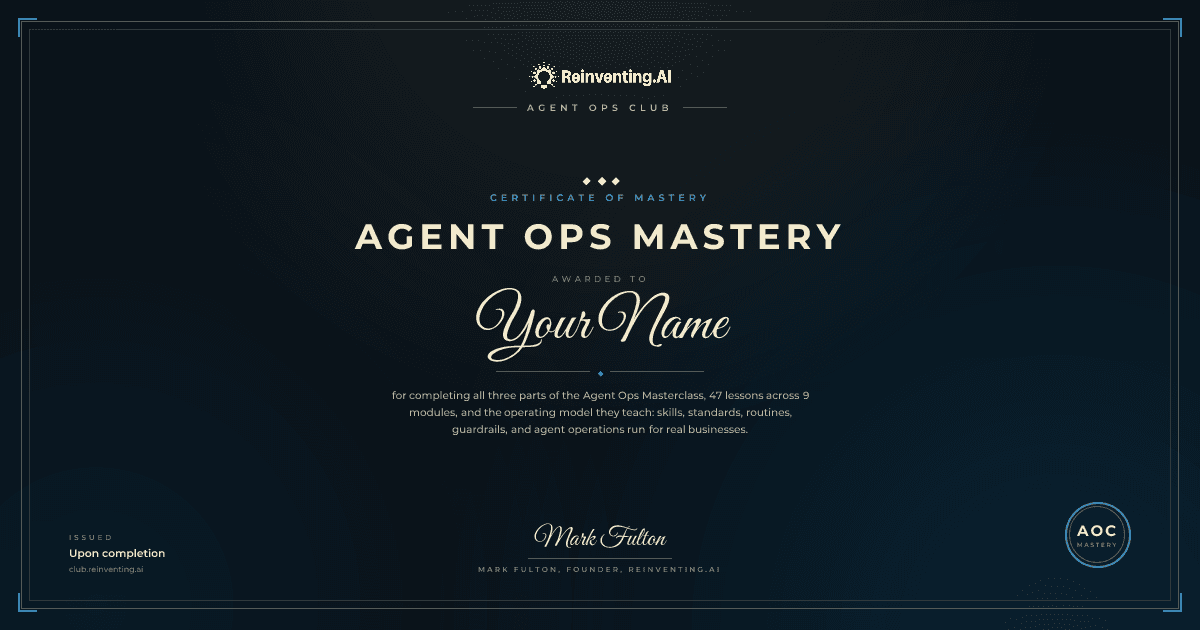
Agent Ops Mastery certificate. Issued when all three parts are done. Any time
On every planAgent Ops Insights Chat
Ask instead of read. Answers come from the lessons, with the source linked.
The advisor that has read every lesson, the AI Employee docs and the field. Ask it where you are stuck and it points at the lesson.
3 messages a day free · 10 on Pro · 30 on Lifetime
3 certificates, earned one part at a time
The first one is 9 short lessons away, on the free plan.
Finish Part 1
Finish Part 2
Finish all three parts
Issued in your name
Dated, with its own certificate id.
Yours to keep
A share sized image and a print ready PDF.
One link to share
LinkedIn, X, Facebook, or your LinkedIn profile.

Start with Part 1
Part 1 and its certificate come with a free account. Pro and Lifetime add Parts 2 and 3, their certificates, and the 29 system library with a resale license.
Pro is $349 a year or $99 a month. Lifetime is $999, paid once.