
Comparison, updated October 28, 2026
The Viktor alternative with no credits to count.
Viktor is a hosted coworker in Slack and Teams that bills every task in credits. The eight AI Employees are open source roles with 60 routines already written, and they run inside Claude Code, Codex, OpenClaw or ten other agents, on the plan you already pay for.
I built the AI Employees. I read Viktor's homepage, pricing page and FAQ for this page, and every Viktor fact below links to where it came from. Where Viktor is the better pick, this page says so.
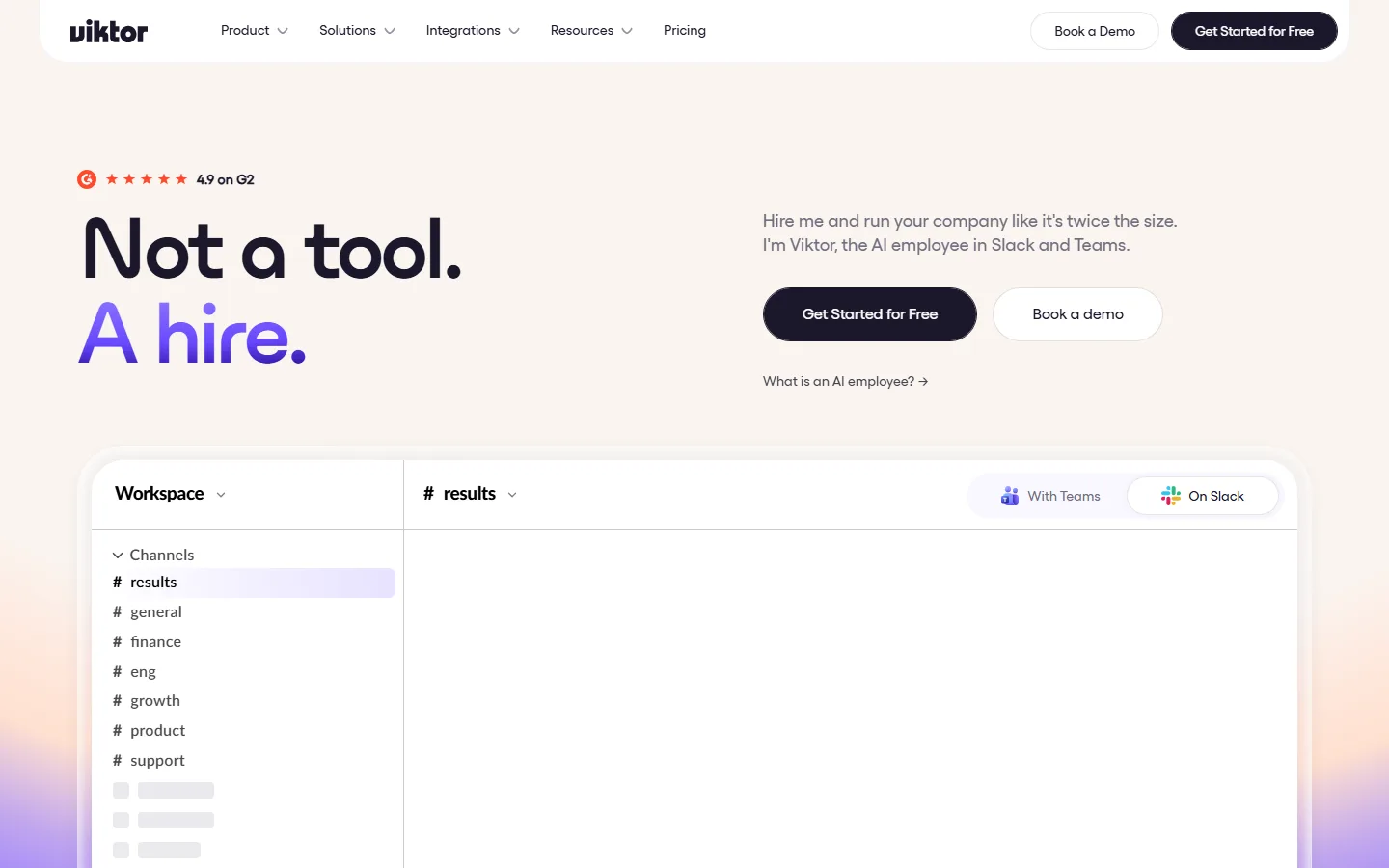
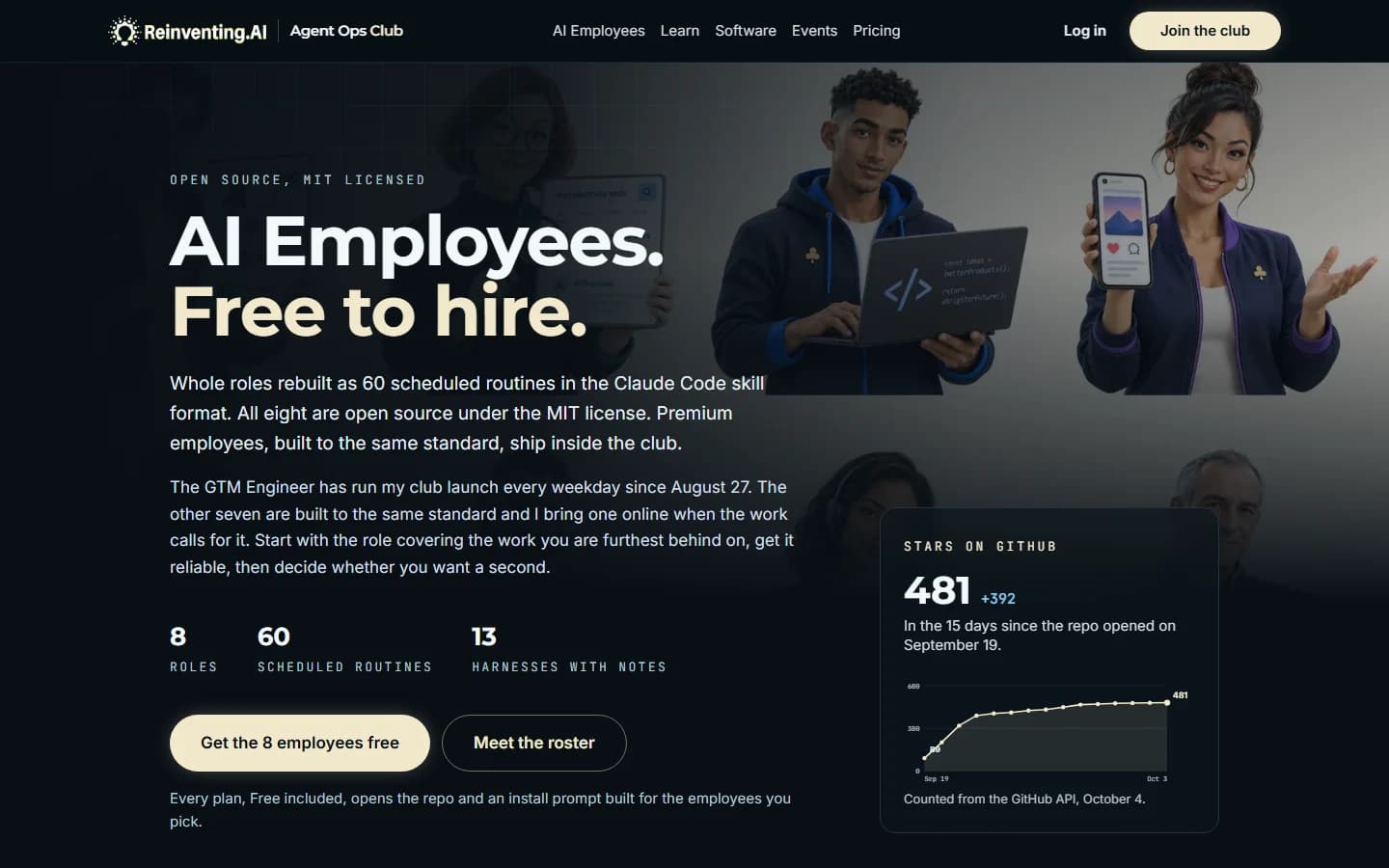
Viktor screenshot taken October 28, 2026, AI Employees screenshot taken October 5, 2026.
The short version
Both do the work. They bill it differently.
Pick Viktor if
Your team lives in Slack or Teams and wants one coworker anyone can hand work to, connected to thousands of tools, with nothing installed on anyone's machine. You are happy to pay per task in credits for that.
Pick the AI Employees if
You already pay for an agent and want a named role doing real work this week: launch, SEO, web maintenance, social, ads, sales, support or a chief of staff. Open source, no second meter, and the work lands in your own browser for your click.
What they share
Both call themselves AI employees, both run work on a schedule, and both do the task rather than answer a question about it. The difference is where they live and how the work is paid for.
At a glance
Viktor vs the AI Employees
Every Viktor cell is read from viktor.com, its pricing page and FAQ, checked on October 28, 2026. Every AI Employees cell reads from the kits.
| Feature | Viktor | AI Employees |
|---|---|---|
| What it is | ViktorA hosted AI coworker that works inside Slack and Microsoft Teams. You mention it in a channel or thread and it does the task in its own cloud environment. | AI Employees8 open source business roles, each a folder of scheduled routines that run inside the AI agent app you already use. |
| Where you work with it | ViktorSlack and Microsoft Teams. Anyone in the workspace can hand it work. | AI EmployeesYour agent app: Claude Code, Codex, OpenClaw or 10 others. A brief waits for you each weekday morning. |
| What you get on day one | ViktorA generalist. You describe each task, or set up a recurring one, and it keeps context on your workspace as it goes. | AI EmployeesThe role already written: 60 routines with the schedule, the guardrails and the morning brief in place. |
| Connects to | Viktor9,800+ tools by its own count, plus custom integrations for the ones it lacks. | AI EmployeesEvery site you can use in your own signed in Chrome, plus whatever your agent app already connects to. |
| Runs where | ViktorViktor's cloud. Each user gets an isolated compute environment. | AI EmployeesYour own machine, in your agent's scheduler. No server to host and nothing passes through a club server. |
| How the work lands | ViktorIt replies in the thread and acts in the tools you connect. | AI EmployeesDrafted, filled and staged for your click by default. Release a channel in RELEASES.md and the routine completes it. |
| How usage is counted | ViktorShared monthly credits. Viktor's own guide puts a quick task at 100 to 300 credits and a full project at 2,000 to 5,000 credits. Scheduled runs spend credits too. | AI EmployeesNo meter of ours. The routines spend your agent plan's usage, not dollars. |
| Price | ViktorFree to start with up to $100 in credits. Team from $50 a month for 20,000 credits; $100 a month for 40,000 credits covers roughly 80 to 400 tasks by Viktor's estimate. Enterprise is custom. | AI EmployeesThe kits are free on every plan, Free included. Club Pro is $99 a month or $349 a year. Lifetime is $499 once until November 15 at 11:59 PM Eastern, then $999. |
| Security | ViktorSOC 2 Type 1, with Type 2 and ISO 27001 in progress, per its FAQ. Encrypted in transit and at rest. | AI EmployeesRuns under your own accounts on your own machine. Every routine is plain text you can read before it runs. |
| Source code | ViktorNot published. Viktor is a hosted service. | AI EmployeesMIT. Fork it, change it, keep it. |
| Teams | ViktorBuilt for a team: one coworker the whole workspace shares, billed per workspace. | AI EmployeesBuilt for one operator: an employee runs on one person's machine and agent. |
| Best for | ViktorTeams that live in Slack or Teams and want one shared generalist with no setup. | AI EmployeesFounders and operators who already pay for an agent and want one role handled this week, and people who set AI employees up for clients. |
In their words
What Viktor actually is
Viktor's homepage opens on “Not a tool. A hire.” and its own summary reads: “Viktor is the AI employee that lives in Slack and Microsoft Teams, connects to 9800+ tools, and does the work. Reports, dashboards, code, campaigns.”
You work with it where your team already talks. Mention it in a Slack or Teams thread and it does the task in its own cloud environment: a report from your numbers, an ad spend audit, an email sequence, a bug triaged, an internal app built and deployed. It keeps context on your workspace and runs recurring tasks on a schedule.
It is a serious company. Accel led a $75 million Series A led by Accel, announced May 19, 2026, and the founders are Fryd Wiatrowski and Peter Albert, two former Meta engineers. Its FAQ lists SOC 2 Type 1, with Type 2 and ISO 27001 in progress.
The trade is the meter. Every task is billed in shared workspace credits, which Viktor describes as model costs passed through. A quick task is 100 to 300 credits, a full project 2,000 to 5,000 credits, and the $100 a month for 40,000 credits plan covers roughly 80 to 400 tasks by its own estimate. For a team that would otherwise hire, that can be cheap. For someone who already pays for an agent plan, it is a second bill.
Sources: viktor.com homepage and FAQ, Viktor pricing and credit guide and Accel on leading Viktor's Series A, read October 28, 2026.
Viktor, the facts
- Works in
- Slack and Microsoft Teams
- Integrations
- 9,800+, by its own count
- Billing
- Shared workspace credits, not per seat
- Free start
- Up to $100 in credits, no card
- Team plan
- From $50 a month for 20,000 credits
- Security
- SOC 2 Type 1
- Funding
- $75M Series A, Accel
- Source code
- Not published, hosted service
What a month costs
Credits per task, or the plan you already have.
Viktor bills the work. The AI Employees spend the agent plan you already pay for.
Viktor
- Start: free, with up to $100 in credits and no card.
- Plans: Team from $50 a month for 20,000 credits. $100 a month for 40,000 credits covers roughly 80 to 400 tasks by Viktor's estimate. Enterprise is custom.
- Usage: a quick task is 100 to 300 credits, a full project 2,000 to 5,000 credits, and scheduled runs spend credits each time they fire.
- Billing: per workspace, never per seat. Unused plan credits roll over for one month.
- Your time: nothing to install. You brief each task, or set up a recurring one.
AI Employees
- Software: free, MIT, on every club plan including Free.
- Usage: nothing beyond your plan. On a Claude Pro or Max plan an employee runs inside Claude Code on your own seat. On the other agents, the account you already run on is the whole requirement.
- A machine that is awake at the fire times. The one you already work on qualifies.
- Your time: about an hour of supervision on install day, then a brief each morning.
Honest strengths
Where each one is the better choice
Viktor wins when
- Your team lives in Slack or Teams. Anyone can mention one shared coworker, and nothing is installed on anyone's machine.
- Breadth of connections: 9,800+ tools by its own count, with custom integrations for the ones that are missing.
- Procurement wants a vendor: SOC 2 Type 1 today, and an Enterprise plan with a DPA, an SLA and invoicing.
- Engineering work in its own cloud: triaging bugs, opening pull requests, building and deploying internal web apps.
- A real free start: up to $100 in credits, no card.
- Billed per workspace, not per seat, so adding a colleague does not add a bill.
The AI Employees win when
- No second meter. The routines run inside the agent plan you already pay for, so a busy month does not burn through credits.
- The role is already written. Routines, schedule and guardrails come in the kit, instead of a blank coworker you brief task by task.
- Open source under MIT. Read every routine before it runs, change it, keep it.
- Your browser, your accounts. Routines work in your own signed in Chrome the way you do and leave the last click to you.
- Runs on 13 agents, from Claude Code and Codex to OpenClaw and Grok Bot, on Windows, macOS and Linux.
- You can sell the setup. The employees are yours to install for clients, and the club adds the systems, tools and leads for doing it.
A fair way to hold both in your head: Viktor is a coworker your whole team rents by the task. The AI Employees are roles you own and run inside the agent you already have.
The roles
Eight employees, 60 routines, already written.
Start with the role covering the work you are furthest behind on, get it reliable, then decide whether you want a second.

GTM Engineer
Builds your launch board, then works it every weekday
8 routines

SEO/AEO Employee
Improves your search presence and visibility in AI answers
8 routines

Web Dev Employee
Site health, error triage, and small changes shipped through git
8 routines

Social Media Employee
Platform-native posting every day, in your voice, on your accounts
7 routines

Ad Manager Employee
Creative production every day, campaign review every week
7 routines

Sales Employee
Prospecting and follow-up that never goes quiet
7 routines

Customer Satisfaction Employee
Every customer heard, every reply drafted, churn flagged early
8 routines

Chief of Staff
Watches the whole board, including your other employees
7 routines
Beyond the kits
The employees are free. The club is how you make them pay.
A free account opens the kits and the install prompt. Pro and Lifetime add what turns a working employee into a business.
The Agent Ops Masterclass
From your first agent to a paying client, with a certificate at the end of each part.
Product Pass: 30 premium systems
Apps and SaaS you can customize and deploy for clients under the resale license.
Hot Leads
Businesses that have shown interest in agents and have not put one to work yet, with contact details on claim.
Agent Ops Insights Chat
An advisor that has read the club and the field, with cited answers on your next move.
Member events
Premium sessions on the calendar, times in Eastern, replays included.
The Sales Tools
Proposal, audit, objection and ROI tools, plus the AI Employee Sales Kit.
Reviews
What people say after learning from me.


5.0from 16 ratings18 reviews

Marcelo Tavares
Founder, GT70 Digital
Higher quality than anything else out there… solutions you can implement immediately for your business or sell as a product.

Anna Cleary
AI Marketing Leader
Love the no fluff, real value content you share. You're in a different class than most creators on this topic.

Chris Gallagher
AI Sales Training
There is so much crap out there on AI. As a business owner and sales-focused guy, your work is by far the best I see.

Javier Suárez
Hospitality Industry
I'll continue my Agent Ops Club membership without a shadow of a doubt.

Arman Liaghat
CEO, TheHired.ai
Your expertise in building AI agents is unmatched.

Mark Hinkle
Founder, The Artificially Intelligent Enterprise
I highly recommend Agent Ops Club for anyone looking to learn to deploy agents.

Bryan Wilson
AI SEO Expert, EngagedAI
He has a rare ability to translate complex AI concepts into clear, structured guidance that you can apply immediately.

Heidi Badenhorst
CEO, Insurance Industry
I probably have learned more in a couple of days of Agent Ops Club… than all the other ones I've been dabbling with.

Irvin Cruz
Marketing and RevOps Leader
Mark's ability to simplify advanced AI topics, such as prompt engineering and AI tool creation, made the material approachable for anyone, regardless of their technical background.

Martin Liljenberg
AI Strategist
I am using your tools, posts and knowledge a lot and it has really helped me and the companies I support.

Melanie McLaughlin
Founder, AI A Innovations
Love being able to walk away with a completed project - great way to learn.

Run AI employees on your own work first
Free gets you the eight open source AI Employees and Masterclass Part 1. Pro and Lifetime add the full Masterclass, the premium systems with a resale license, and the kit to set the employees up for clients.
Pro is $349 a year or $99 a month. Lifetime is $499, paid once.
FAQ
Viktor alternative questions, answered
It is free to start: a new workspace gets up to $100 in credits with no card. After that the Team plan starts at $50 a month for 20,000 credits, billed per workspace rather than per seat, and $100 a month for 40,000 credits is the tier Viktor marks most popular. Every task spends credits, so the monthly cost follows how much work you hand it.