
Claude Marketing Workflows
The three marketing workflows I built for my own products, packaged for your coding agent
 Built by Mark Fulton, AI agent and app developer
Three dashboards. One download.
Each workflow opens as a dashboard in your browser. Your agent fills it every day, and you review, copy and send. The entries in these pictures are the example rows the kit ships with.
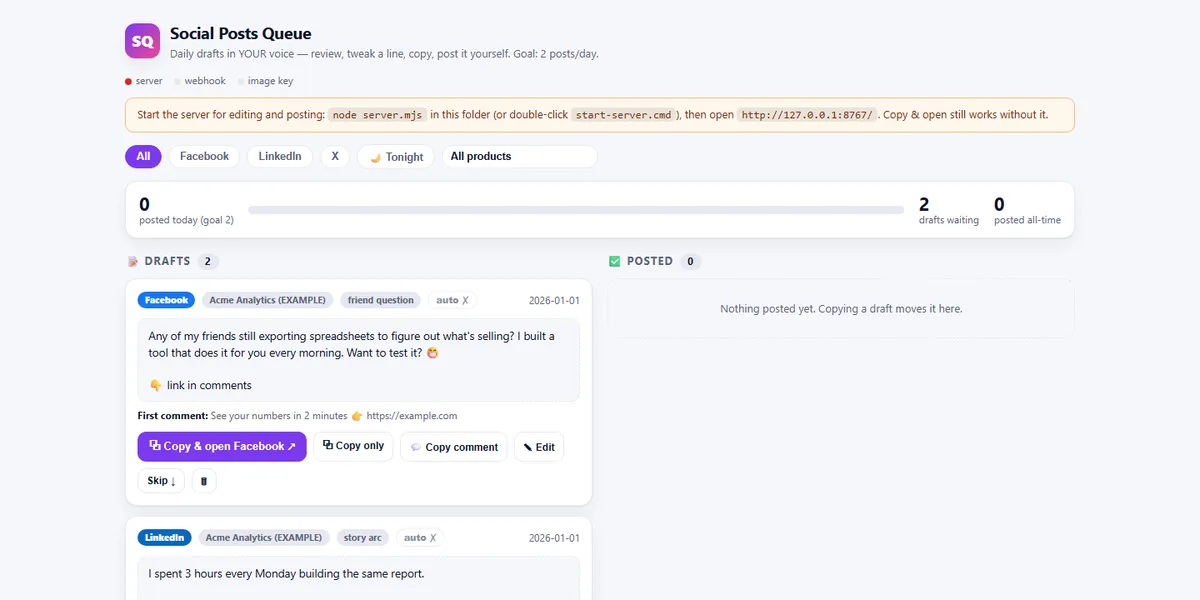
Social posts queue
Facebook, LinkedIn, X
Drafts in your voice, one card per post, with the first comment ready to copy.
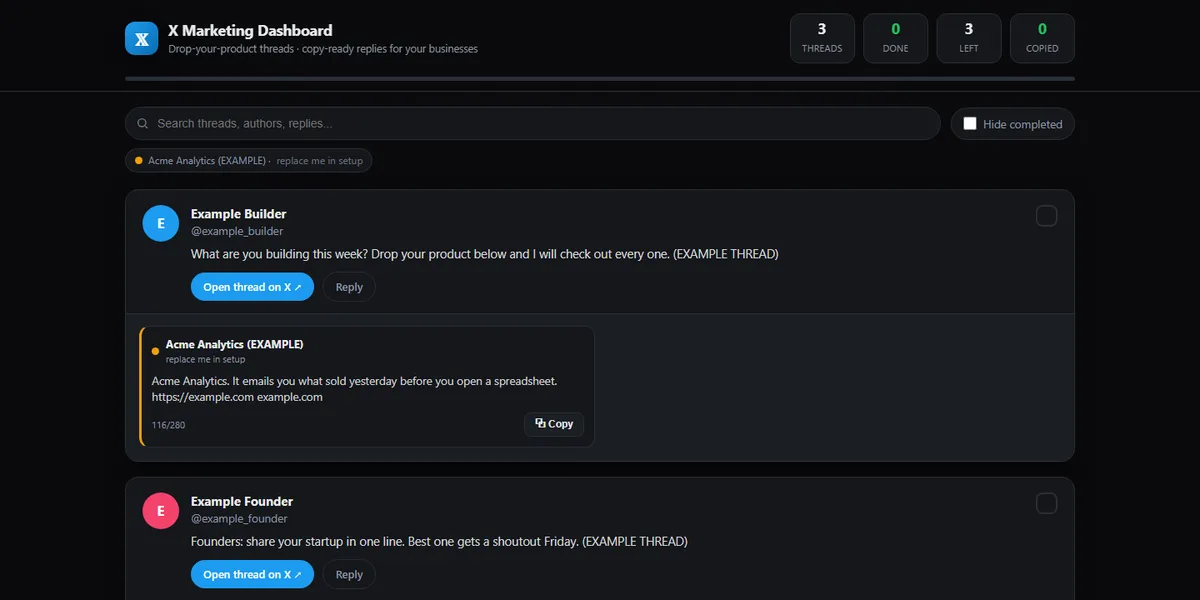
X reply finder
X
Threads asking people to share a product, with a reply drafted for each of your businesses.
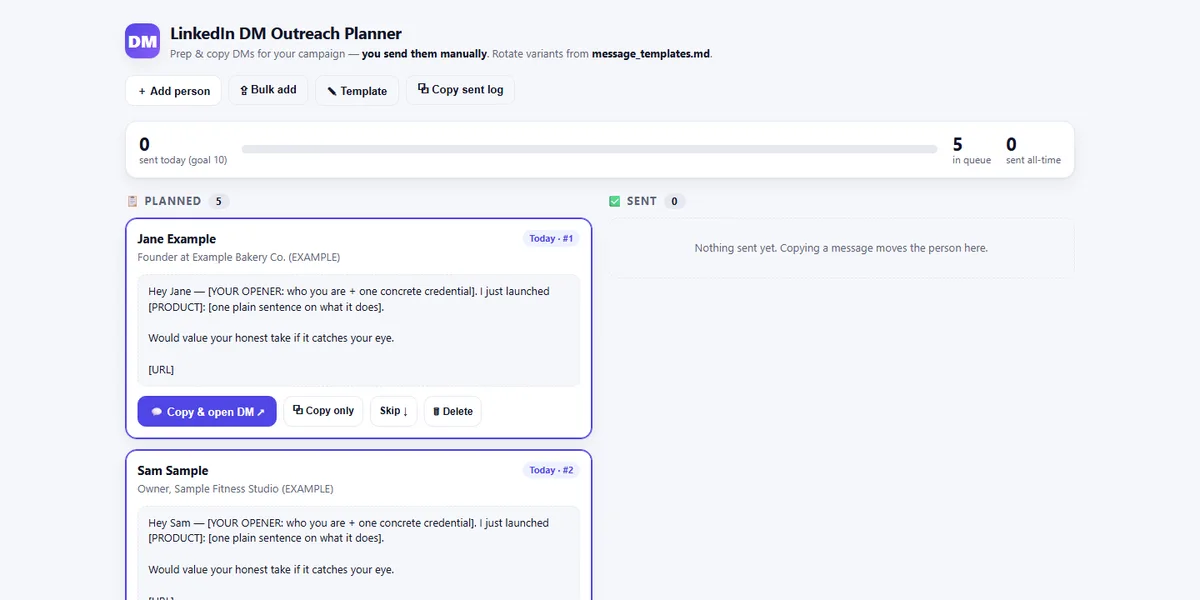
LinkedIn outreach planner
LinkedIn
Today's batch of new connections, each with a message you send by hand.
Three ways to use it
Launch it as your business.
Offer social drafting and outreach capture as a managed service.
Sell it to clients.
Set the three workflows up for a client who wants marketing running without hiring.
Give your audience something new.
Run them on your own brand so your posts and outreach go out in your voice.
Three workflows in the download
Your agent does the finding and the drafting. You stay the person who hits send, so nothing goes out that you have not read.
Social posts queueAbout 10 minutes a day
Your agent drafts posts in your voice every morning from your products and your rules. You review, edit and post.
X reply finderAbout 5 minutes a day
Your agent finds threads where people ask others to share what they are building and drafts a reply for each business you list.
LinkedIn outreach plannerAbout 5 minutes a day
Your agent queues new first degree connections who match your customer profile. You copy each message and send it yourself.
I built these three workflows to market my own products, then packaged them so your coding agent can set them up for you. Each one comes with a dashboard that opens in your browser.
The agent does the finding and the drafting. You stay the person who hits send, so nothing goes out that you have not read and no platform rule gets broken.
Every workflow ships with its own rules file. The social queue has a voice document your agent fills in from an interview with you, and a check that flags a draft when it reads like it was written by a machine.
Extract the download and paste the kickoff prompt from the training document into your coding agent. It interviews you, then installs each workflow. Run them for yourself first, then set them up for clients who want their marketing running.
What it does
Social posts queue
Daily drafts in your voice for Facebook, LinkedIn and X, one card per post, with the first comment ready to copy.
X reply finder
Finds threads asking people to share a product and drafts a reply for each business you list.
LinkedIn outreach planner
Queues new first degree connections who match your customer profile. You send every message by hand.
A voice check on every draft
Your voice rules live in one file, and a check flags drafts that read as machine written before you see them.
More in Claude Skill Kits
Packaged Claude Code workflows that do one operation properly, with the docs included.

Apify Actor Framework
Turn open source tools into paid actors on the Apify Store
- Apify
- Docker
- Claude Code

On-Demand Social Publisher
One command, five platforms, each post written for where it lands
- Claude Code
- Make.com
- Image generation

Brand Image Engine
An on-brand image for every post, at pennies each
- Claude Code
- Gemini image models